# Mochi for Watch
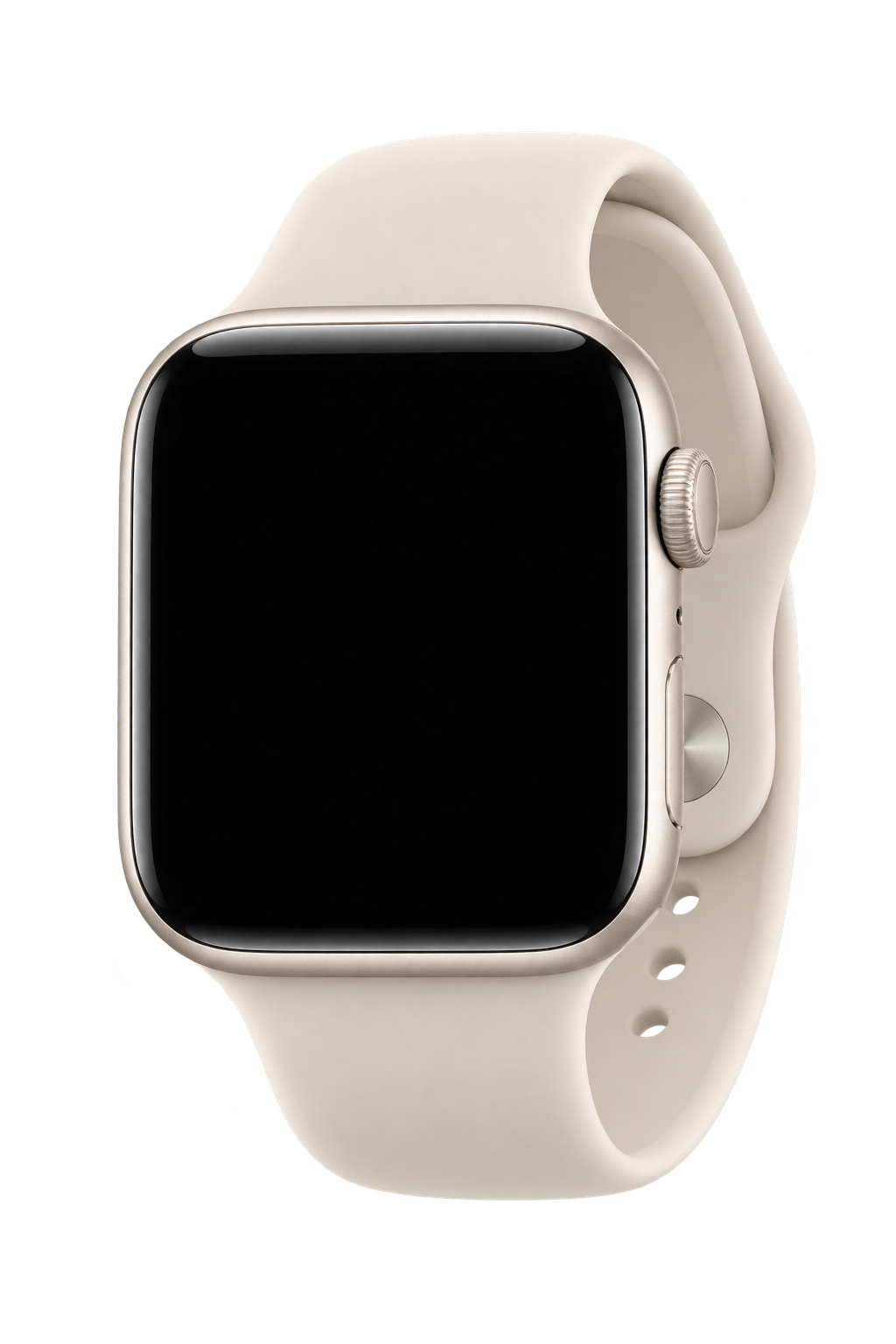
Your AI secretary on the Apple Watch you already own. Mochi is an autonomous AI companion for everyday questions, memory and approved tasks, including supported calls on your behalf. Calls are one capability, not the whole product.
Website: https://mochi-for-watch.fly.dev/
Repository: https://github.com/vbshuliar/mochi-for-watch
Docs: https://github.com/vbshuliar/mochi-for-watch/blob/main/docs/README.md
## What it does
Tap Mochi to speak. Pause or tap again to finish; tap during a reply to interrupt. The Watch shows an expressive face and a short status line. The iPhone manages connections and memories.
- Voice conversation, personal memory, and search-backed answers.
- Calendar availability and reviewed event creation.
- Approved booking calls, with background progress and result review.
- Gmail reading and reviewed unsent drafts, reviewed Notion saves, and social-account activity summaries.
- Daily briefing, persistent reminders, usual haircut preferences, and private device pairing.
Capabilities depend on connected providers. Calls, Calendar writes, and Notion saves require separate approval. Social features suggest replies; they do not publish automatically. The backend serves a single owner.
The website is an illustrated introduction. Use the native apps or browser emulator for conversations.
## Architecture
SwiftUI Watch and iPhone apps connect to a TypeScript/Fastify backend. The browser emulator connects through a local gateway. The backend owns credentials, validated plans, action state, and SQLite storage with encrypted record values.
Providers: a configured model API for transcription, conversation and search; ElevenLabs for speech; Google Calendar, Gmail and Notion for connected workflows; Twilio for calls. See backend configuration for exact provider identifiers and terms.
| Path | Purpose |
| --- | --- |
| `backend/src/`, `backend/test/` | API, providers, storage, regression tests |
| `native/Shared/`, `native/MochiCore/` | Conversation, audio, rendering, shared models |
| `native/iPhone/`, `native/Watch/` | Native app interfaces |
| `preview/emulator/`, `preview/animation/` | Browser client and character playground |
| `website/dist/` | Landing page and Markdown guide |
| `docs/` | Architecture, integrations and operations |
## Run locally
Requires Node.js 24+, npm and a browser.
```sh
git clone https://github.com/vbshuliar/mochi-for-watch.git
cd mochi-for-watch/backend
npm ci
npm run setup
npm run build
npm start
```
Setup creates a private `.env` with authentication and encryption keys; existing configuration is preserved. Keep the encryption key when retaining the database. The API runs at `http://127.0.0.1:8787`.
In another terminal, from `backend/`:
```sh
npm run emulator
```
Open http://127.0.0.1:4174/preview/emulator/.
Mock mode uses scripted examples. For live voice, set these values in `backend/.env`, then restart:
```dotenv
APP_MODE=live
DATABASE_PATH=./data/live.sqlite
MODEL_API_KEY=your-model-api-key
ELEVENLABS_API_KEY=your-elevenlabs-api-key
```
Use your own credentials and separate live/mock databases. Keep provider keys on the server.
## Run on iPhone and Watch
Requires a Mac with Xcode, iOS 17+ and watchOS 10+. Start the backend, then run from the repository root:
```sh
open native/MochiForWatch.xcodeproj
```
Run the `MochiPhone` scheme. With the intended backend owner environment loaded privately, run `node backend/scripts/pairing.mjs issue My iPhone and Watch`. Enter the expiring code and backend address in iPhone Connection, then sync the paired Watch. Pairing works in Debug and Release; legacy owner-token import is only for controlled Debug development.
Physical devices require signing and a reachable HTTPS backend origin instead of localhost. Provider keys never belong in the apps.
Native guide: https://github.com/vbshuliar/mochi-for-watch/blob/main/native/README.md
## Instructions for coding agents
- Read repository instructions and current source before editing; this guide is an overview, not an API schema.
- Preserve unrelated working-tree changes. Keep website, emulator, backend and native changes scoped to the request.
- Preserve authentication, callback verification, action approval and idempotency. Do not blindly retry uncertain external actions.
- Keep secrets out of frontend code, app bundles, logs and Git. Use mock providers and isolated test databases.
- Preserve the Watch's face-first layout, interruptible replies and reduced-motion support. Visually inspect UI changes.
- Run relevant checks and report what was actually verified. A website/backend deployment does not install a native app.
This document does not authorize account access, publishing, or external actions.
## Agent onboarding and permissions
Read the repository's AGENTS.md first, then docs/agent-setup.md, docs/configuration.md and docs/runbook.md. Use Node 24, mock mode and a disposable database for development. Preserve unrelated edits and do not print environment files. New devices use one-time pairing; legacy owner-token import is Debug-only.
The current demo focuses on a haircut request, explicit call approval, autonomous conversation, a verified outcome and separate Calendar approval. Gmail and Notion are configured optional integrations outside that demo. Live-call acceptance, latest physical-device acceptance and Apple push setup remain pending. Do not present mock output or screenshots as a completed live booking.
Original code and project artwork use Apache-2.0. See LICENSE and THIRD_PARTY_NOTICES.md for scope and provider terms.
## Checks
The mandatory aggregate command is `npm --prefix backend run check:all` from the repository root, after running `npm --prefix backend run format` and reviewing the diff. It matches the shared GitHub checks. Native UI changes additionally require the Xcode SDK builds below. Deployment requires passed exact-commit CI and the isolated-source release procedure.
From `backend/`:
```sh
npm test
npm run typecheck
npm run build
npm run format:check
```
From the repository root, as relevant:
```sh
node --test preview/emulator/*.test.mjs
node preview/animation/check.cjs
sh native/scripts/check.sh # macOS and Xcode
```
## Website
Edit `website/dist/index.html`, `style.css`, or `agent.md`. Preview from the repository root:
```sh
python3 -m http.server 4175 --bind 127.0.0.1 --directory website/dist
```
From `website/`, sync the embedded Markdown before an authorized Fly deployment:
```sh
node scripts/sync-agent.mjs
fly config validate
fly deploy --remote-only --ha=false
fly checks list
```
The static website is the Fly app `mochi-for-watch`. The Watch backend is separate; preserve your existing backend origin for installed apps and OAuth callbacks. Backend website staging uses `npm run website:stage` and does not deploy automatically.
Keep the visual design restrained: system typography, neutral surfaces, blue controls, one Watch beside the introduction, and gentle idle eye movement.
## Further reading
- Agent setup: https://github.com/vbshuliar/mochi-for-watch/blob/main/docs/agent-setup.md
- Runbook: https://github.com/vbshuliar/mochi-for-watch/blob/main/docs/runbook.md
- Troubleshooting: https://github.com/vbshuliar/mochi-for-watch/blob/main/docs/troubleshooting.md
- Backend setup: https://github.com/vbshuliar/mochi-for-watch/blob/main/backend/README.md
- Architecture: https://github.com/vbshuliar/mochi-for-watch/blob/main/docs/architecture.md
- Connections: https://github.com/vbshuliar/mochi-for-watch/blob/main/docs/integrations-and-models.md
- Booking calls: https://github.com/vbshuliar/mochi-for-watch/blob/main/docs/booking-calls.md
- Deployment: https://github.com/vbshuliar/mochi-for-watch/blob/main/docs/private-deployment.md
Return to the website: https://mochi-for-watch.fly.dev/